
Family papers, safe and sound.
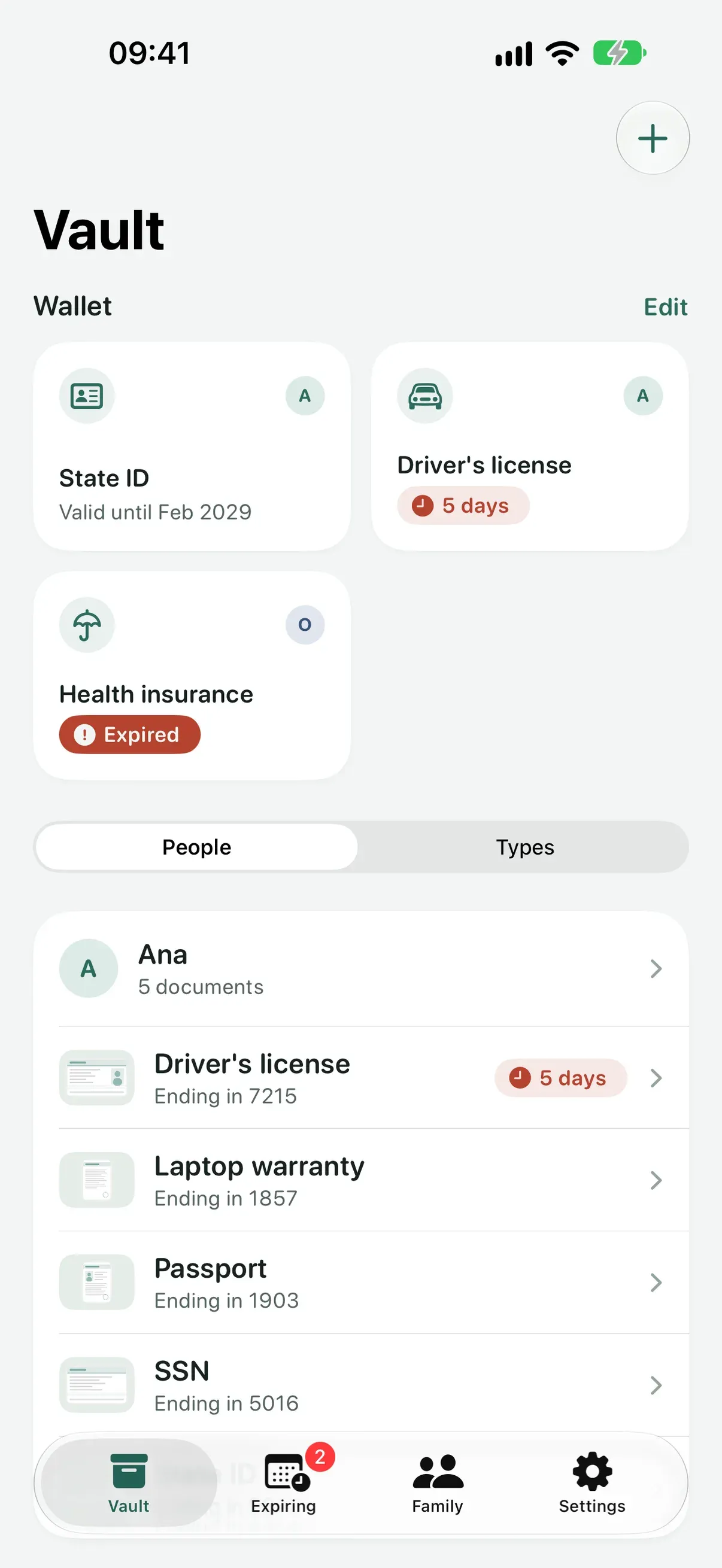
Arcaz is where your family's papers live. IDs, passports, driver's licenses, certificates, insurance, warranties, contracts, prescriptions and vaccination cards, scanned once, locked away and found in seconds when someone asks for them.
Coming soon
See download optionsNo server of ours, no account, no ads, no tracking. On iPhone and iPad.
- 90 · 30 · 7
days of notice before a document expires
- 25
documents free forever, lock and encryption included
- 30
days in the Trash before anything goes for good
- 0
servers of ours, accounts or trackers
Opens only for you.
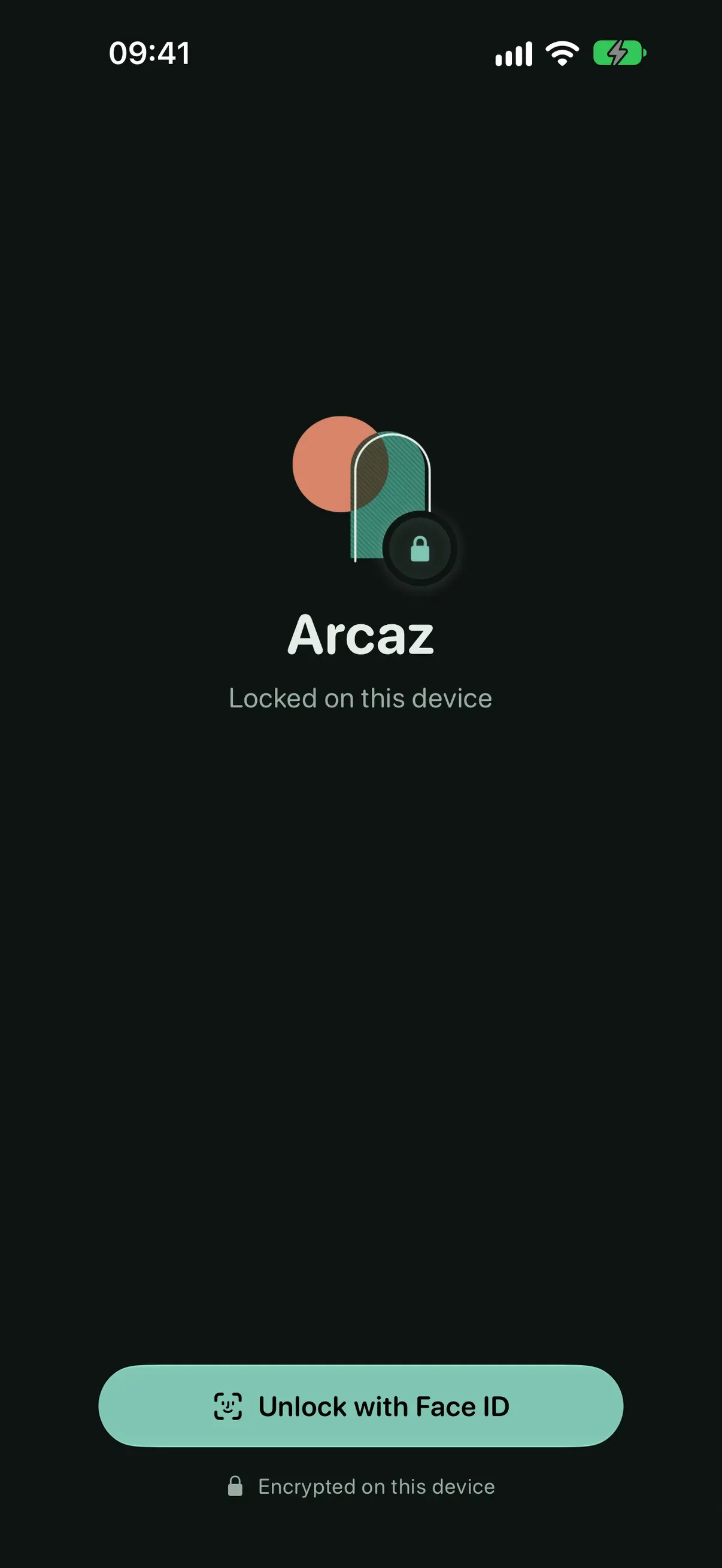
Arcaz opens locked and locks again when you leave. What you keep in it is encrypted on your device before it is saved.
- Face ID or your device passcode, every time you open it
- Pages, document numbers, notes and the text read from your scans are encrypted on this device before they are saved
- iCloud sync keeps those fields end-to-end encrypted, and files are encrypted before they leave your iPhone
- No server of ours, no account to create, no ads, no tracking
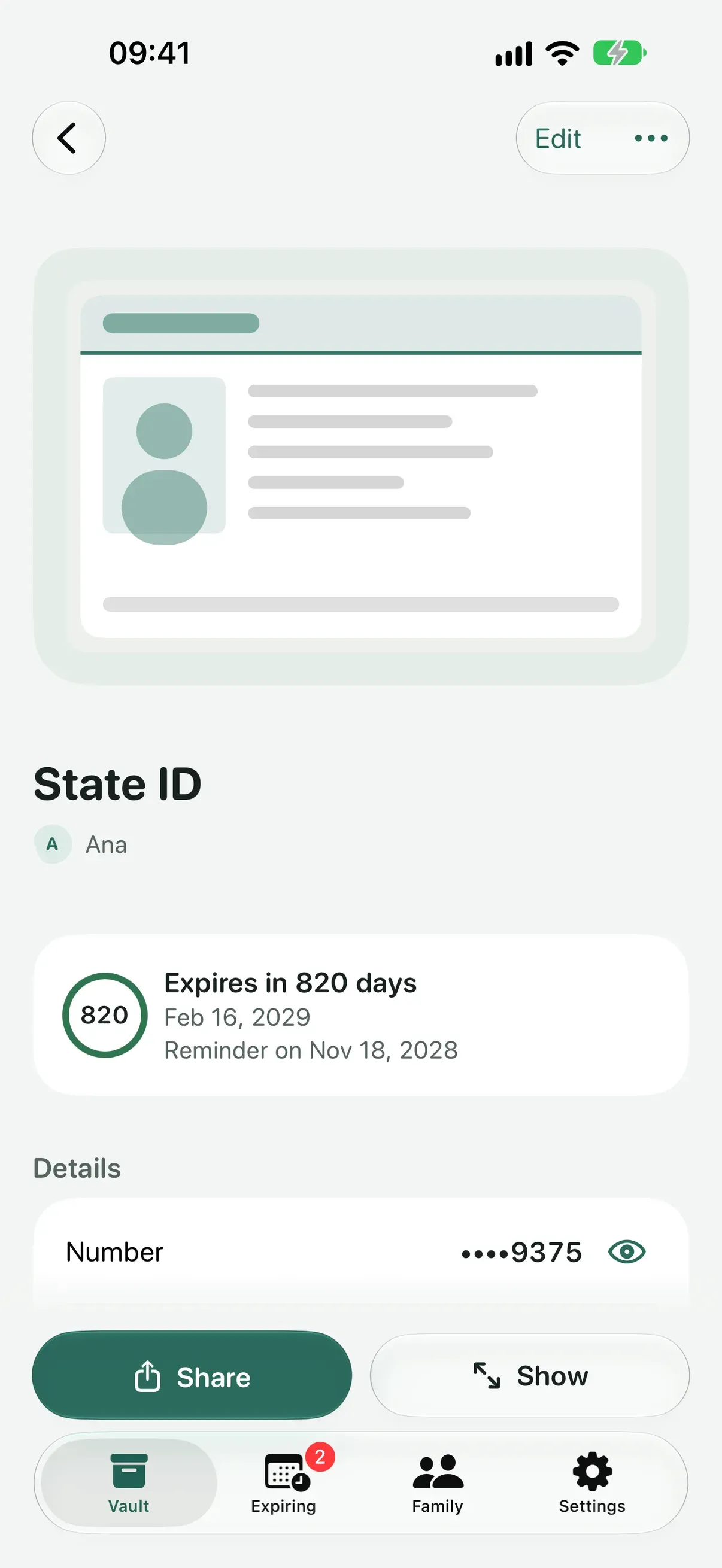
- Numbers stay masked until you tap Show, and the app switcher only sees a cover
Every document, in a tap.
Point the camera, or bring in a PDF or a photo. Arcaz reads the page and fills in the type, the person, the number and the dates for you to check.
- Got the back side later? Add pages to any document whenever you like
- Search by title, person, type or any field, and with Plus by any word printed on the pages
- Show mode fills the screen with the document at full brightness, front and back, ready for any front desk
Reminds you before it expires.
A heads-up 90, 30 and 7 days before each document expires, and an Expiring tab that shows what comes next.
- Notifications name the document and the person, never the number
- Widgets for the Home Screen, the Lock Screen and StandBy show only counts and days
- Ask Siri to see what's expiring
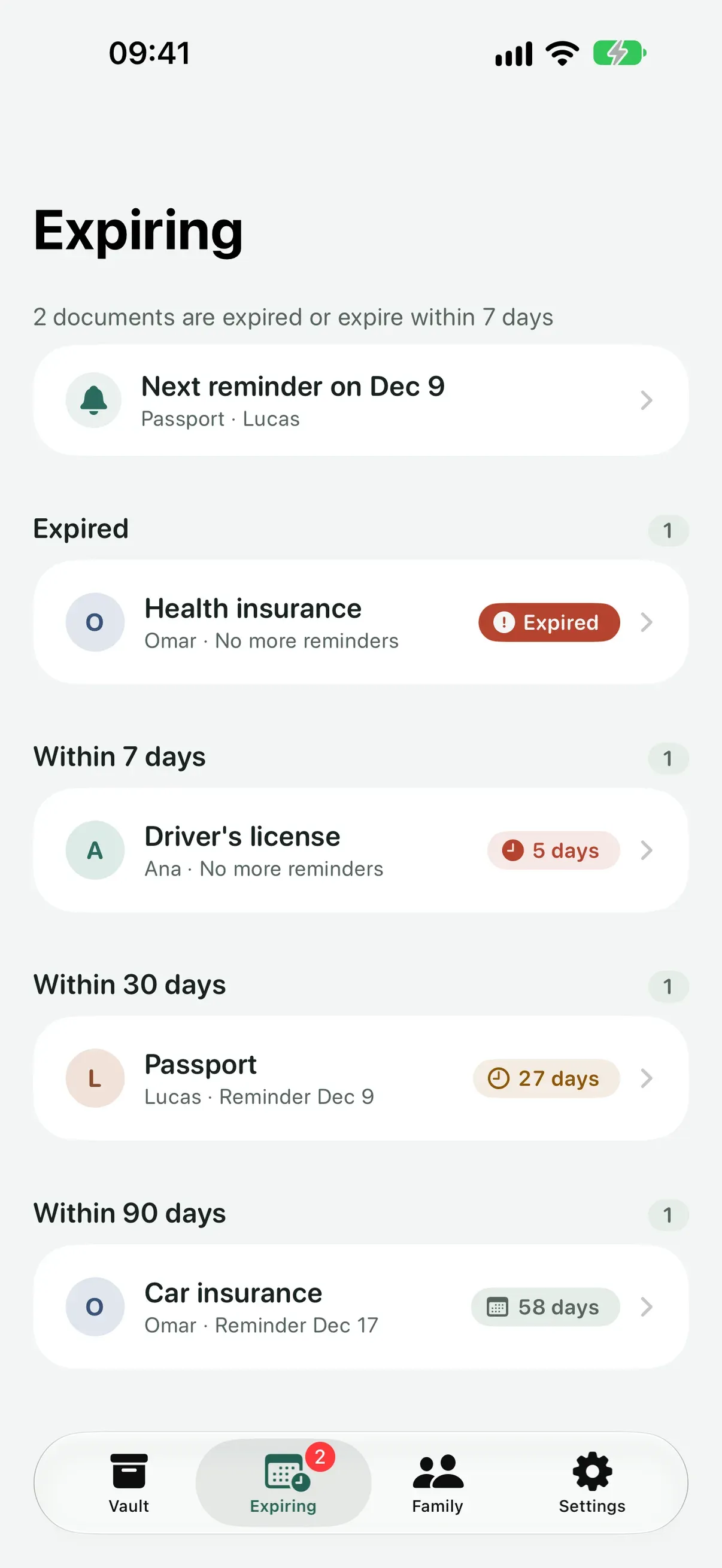
- 90 days
- 30 days
- 7 days
The whole family, one vault.
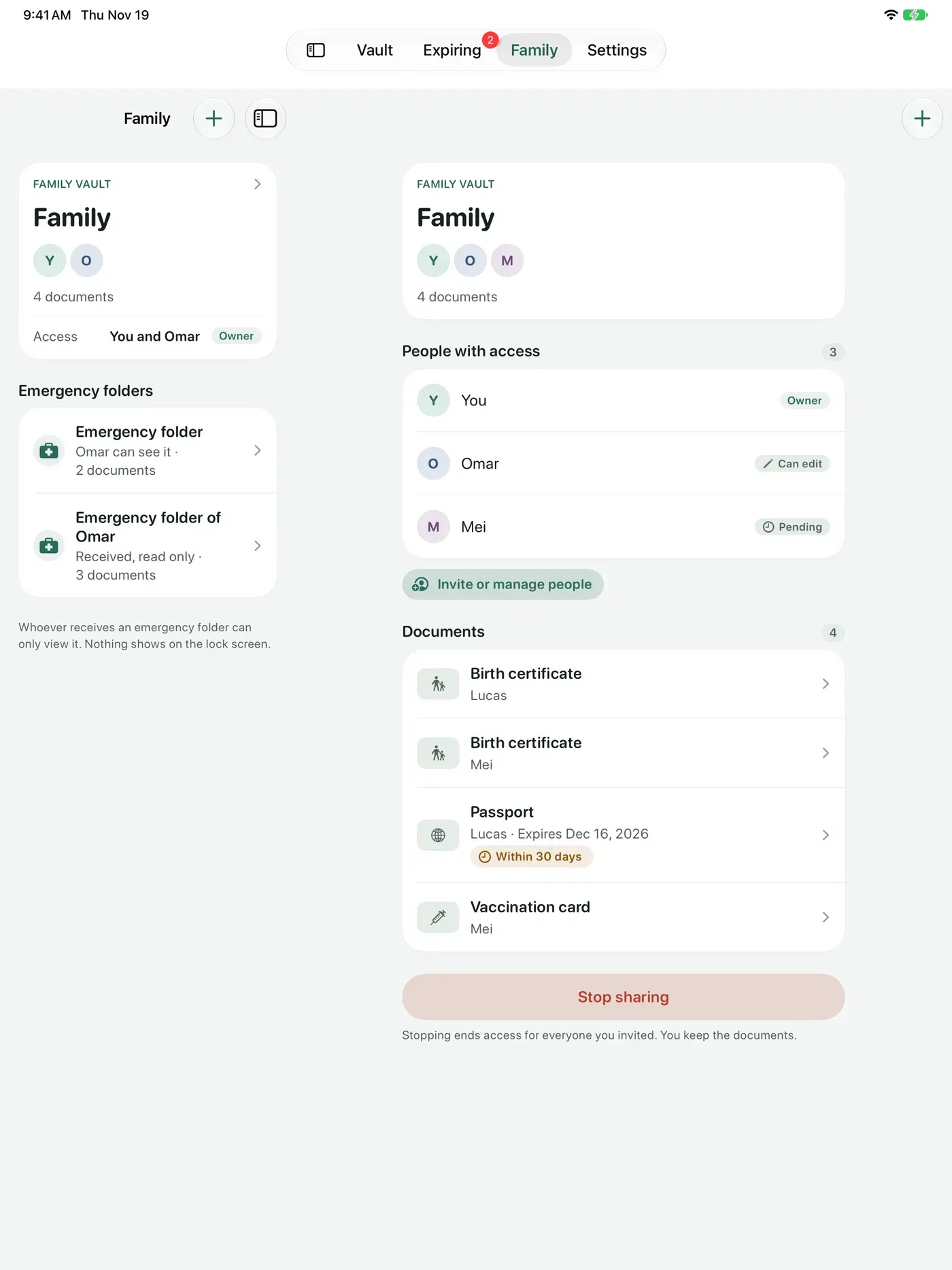
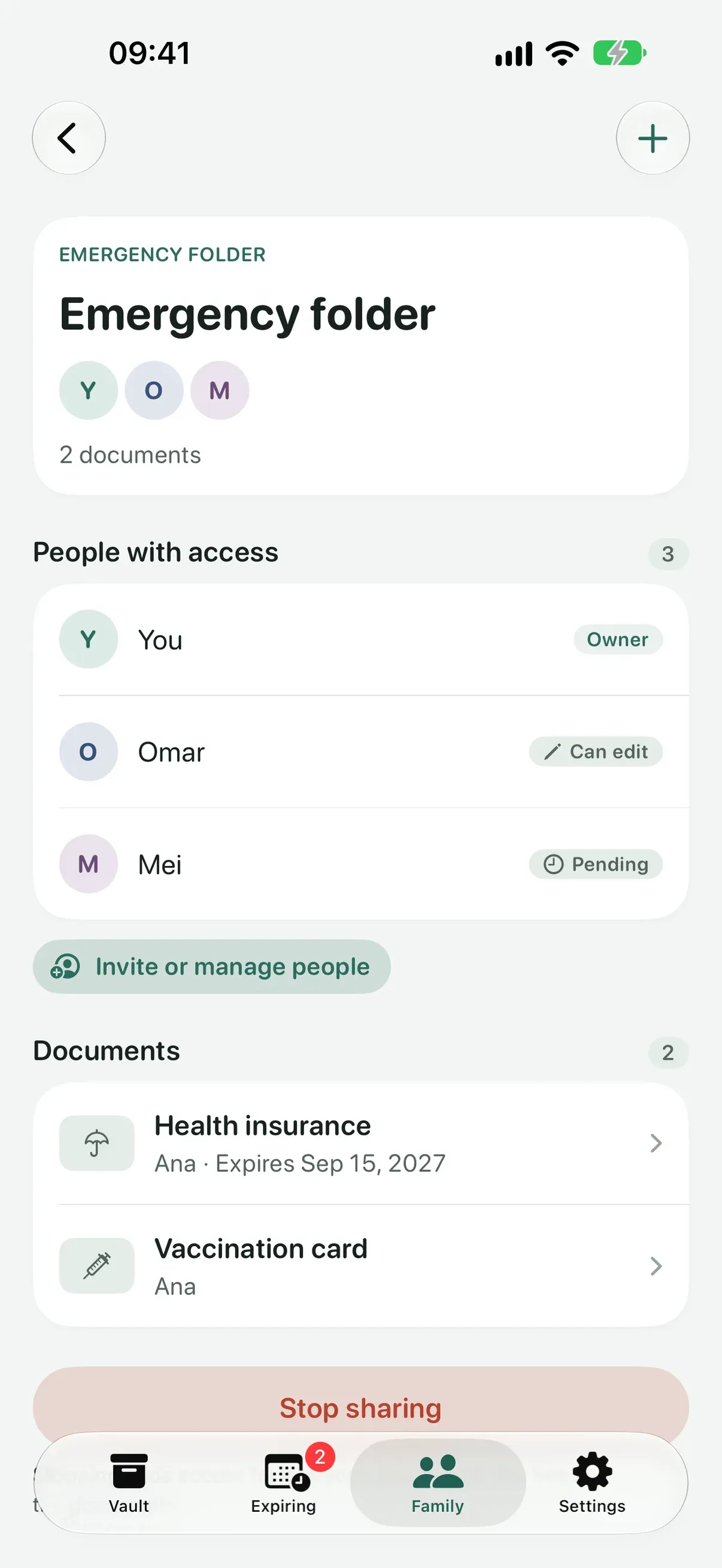
Everyone gets their own color, from the kids to the grandparents. Share a family vault through iCloud with the people you choose.
- Leave an emergency folder ready for the people you trust, read only
- Opening a vault someone shared with you is free forever
- The same vault on your iPhone and your iPad
Share with a watermark.
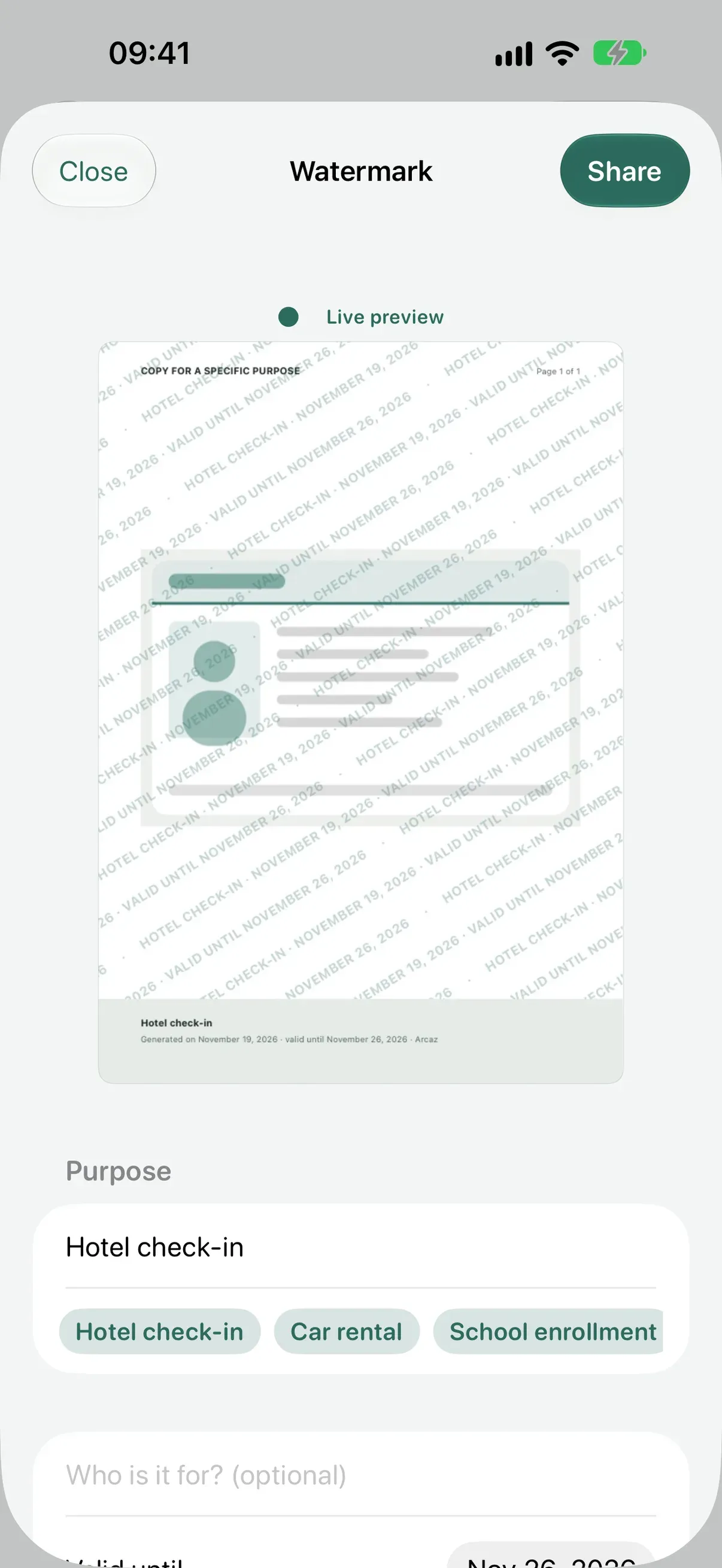
Need to send a copy? Arcaz makes a PDF with a watermark that states the purpose, the recipient and the date, with an optional password.
- It tells you plainly that a file that left can't be called back
- The share history stays private, with you
- The file is made on demand and removed from the device after sharing
The fine print, in plain words.
Everything else that keeps the family's papers in order.
-
A second chance
Delete a document or a page and it waits in the Trash for 30 days, still encrypted. Restore it with a tap, on all your devices.
-
The wallet
Keep the documents you use most a tap away, right at the top of the Vault.
-
One color per person
Group the Vault by person or by type, and tell everyone's papers apart at a glance.
-
Widgets that say little
Home Screen, Lock Screen and StandBy show only counts and days, never names or numbers.
-
Siri and Control Center
Ask Siri to scan or to see what's expiring, or start a scan from Control Center.
-
Yours to take or erase
Export everything as a plain PDF, or erase it all, whenever you decide.
Free forever. Plus for the family.
The lock, the encryption and the reminders never cost a thing.
-
Arcaz
Free
- Up to 25 documents
- The lock and the encryption
- iCloud sync between your devices
- Reminders, the Trash, the wallet and show mode
- Widgets and Siri
- Opening vaults shared with you
- Plain export and erasing everything
- Three accent colors and two app icons
-
 Risograph
-
 Night
-
Arcaz Plus
A monthly or yearly subscription, and the yearly plan starts with a free week.
- Unlimited documents
- A family vault and an emergency folder
- Watermarked PDFs
- Search inside the pages
- Five more accent colors and three more app icons
-
 Clay
-
 Sage
-
 Family
Above 25 documents nothing disappears, only new documents need Plus. Prices are shown in the App Store for your country.
Questions, answered.
- Can Noramis see my documents?
- No. There is no server of ours and no account to create. What you keep is encrypted on your device, and iCloud sync keeps the sensitive fields end-to-end encrypted.
- Do I need an account?
- No. Arcaz opens with Face ID or your device passcode. Sync and sharing go through your own iCloud.
- What if I delete something by mistake?
- Deleted documents and pages wait in the Trash for 30 days, still encrypted. Each item shows the days it has left, and you restore it with a tap.
- Can I take back a copy I sent?
- No, and Arcaz tells you so before you send it. That's why every watermarked PDF states the purpose, the recipient and the date, and the share history stays with you.
- What shows on my Lock Screen?
- Widgets show only counts and days. Notifications name the document and the person, never the number.
- What happens after 25 documents?
- Nothing disappears. Your documents stay where they are, and only new documents need Plus.
Your papers, in good keeping.
Arcaz arrives on the App Store soon, for iPhone and iPad.
Coming soon
See download options